
Draw along with Peter H. Reynolds.
A drawing app by the New York Times bestselling author and illustrator and his nephew, Ben Reynolds.
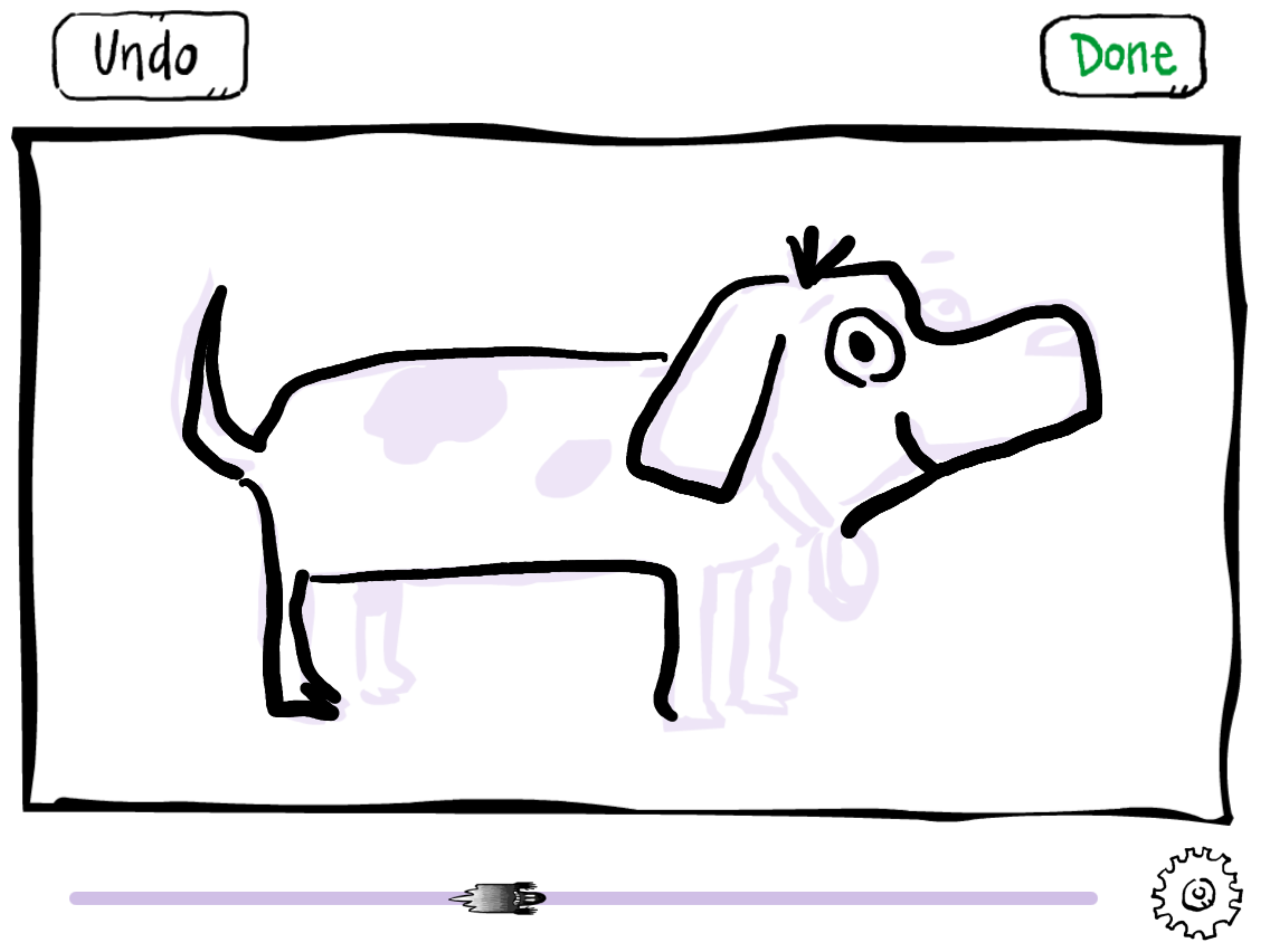
Choose one of Peter’s drawings, follow his line with a finger or Apple Pencil, and watch your own artwork take shape.
Coming soon to the App Store
For iPad and iPhone. Will it work on mine?
How it works
-
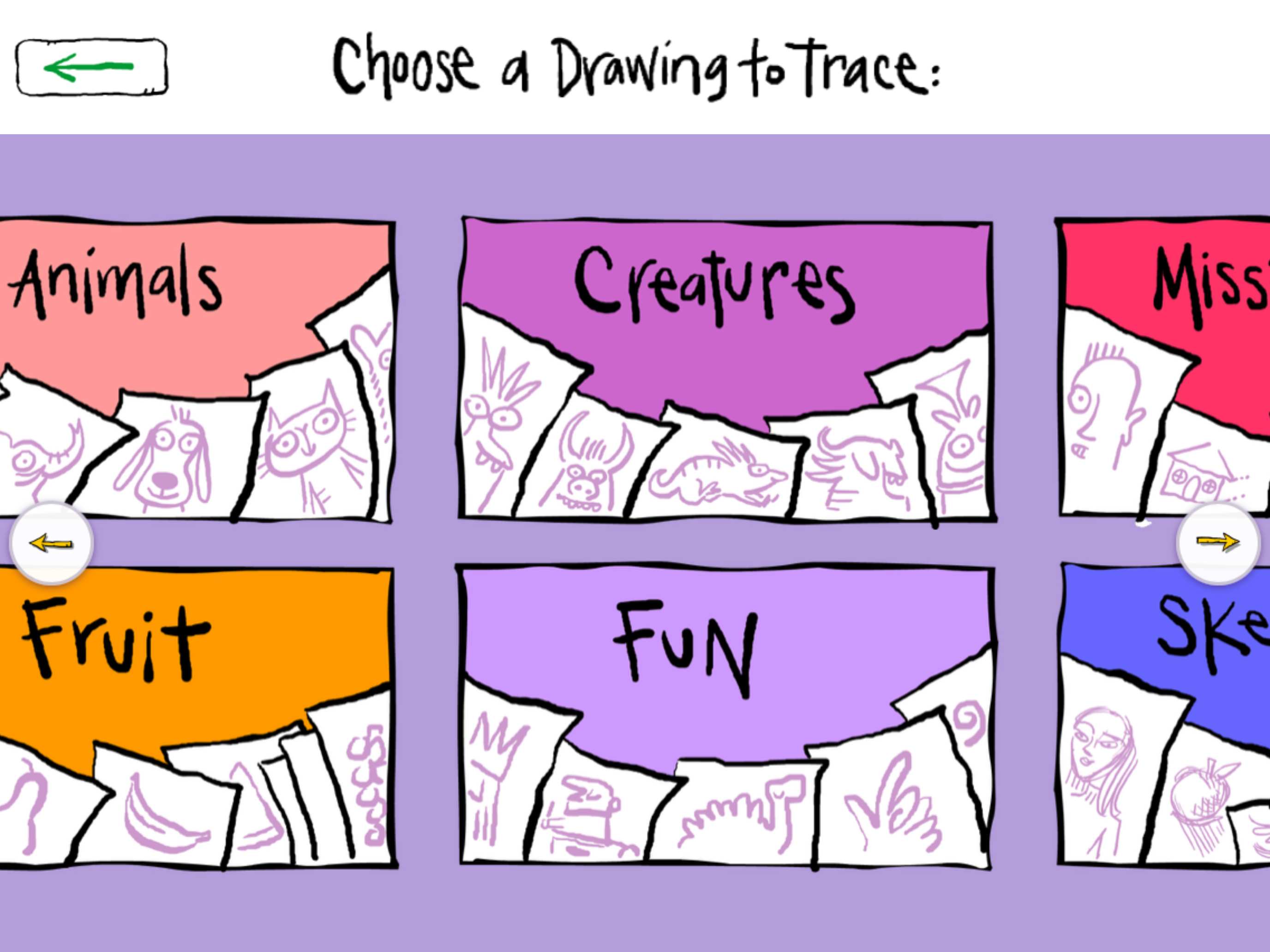
Pick a drawing
Shapes, faces, animals, fruit, creatures and more.
-
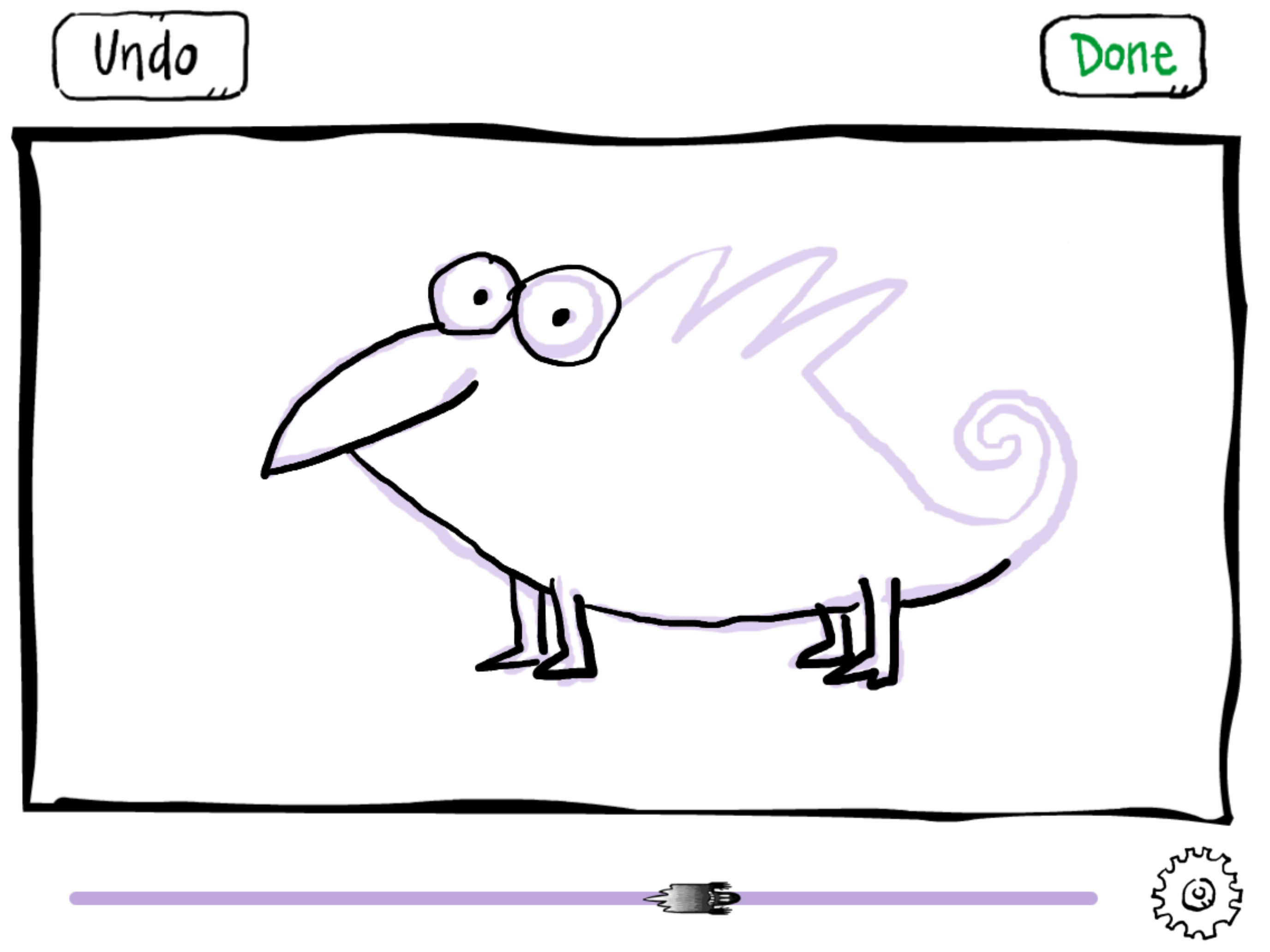
Trace it
Follow Peter's line with a finger or Apple Pencil.
-
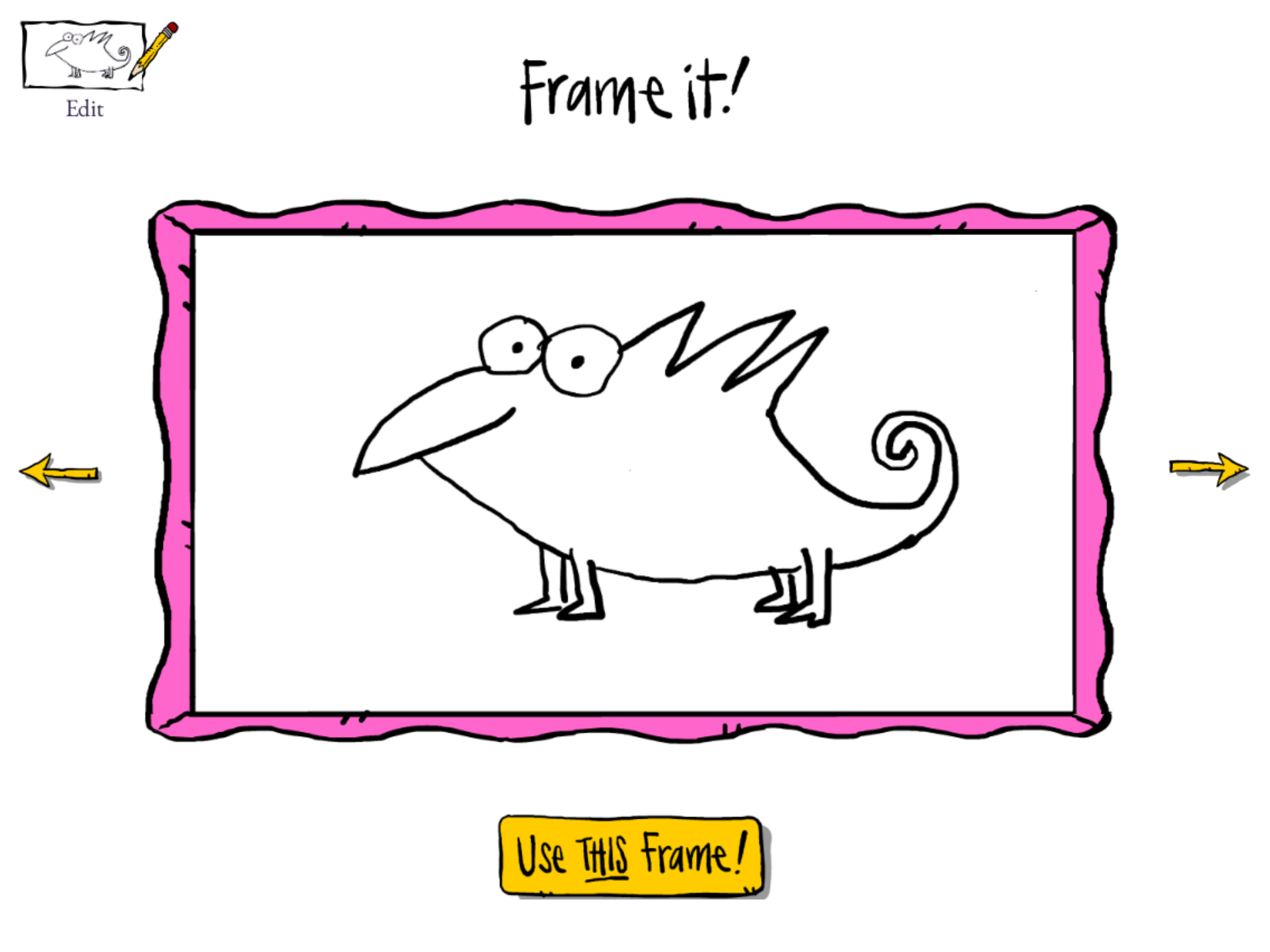
Frame it
Try a few frames and pick a favourite.
-
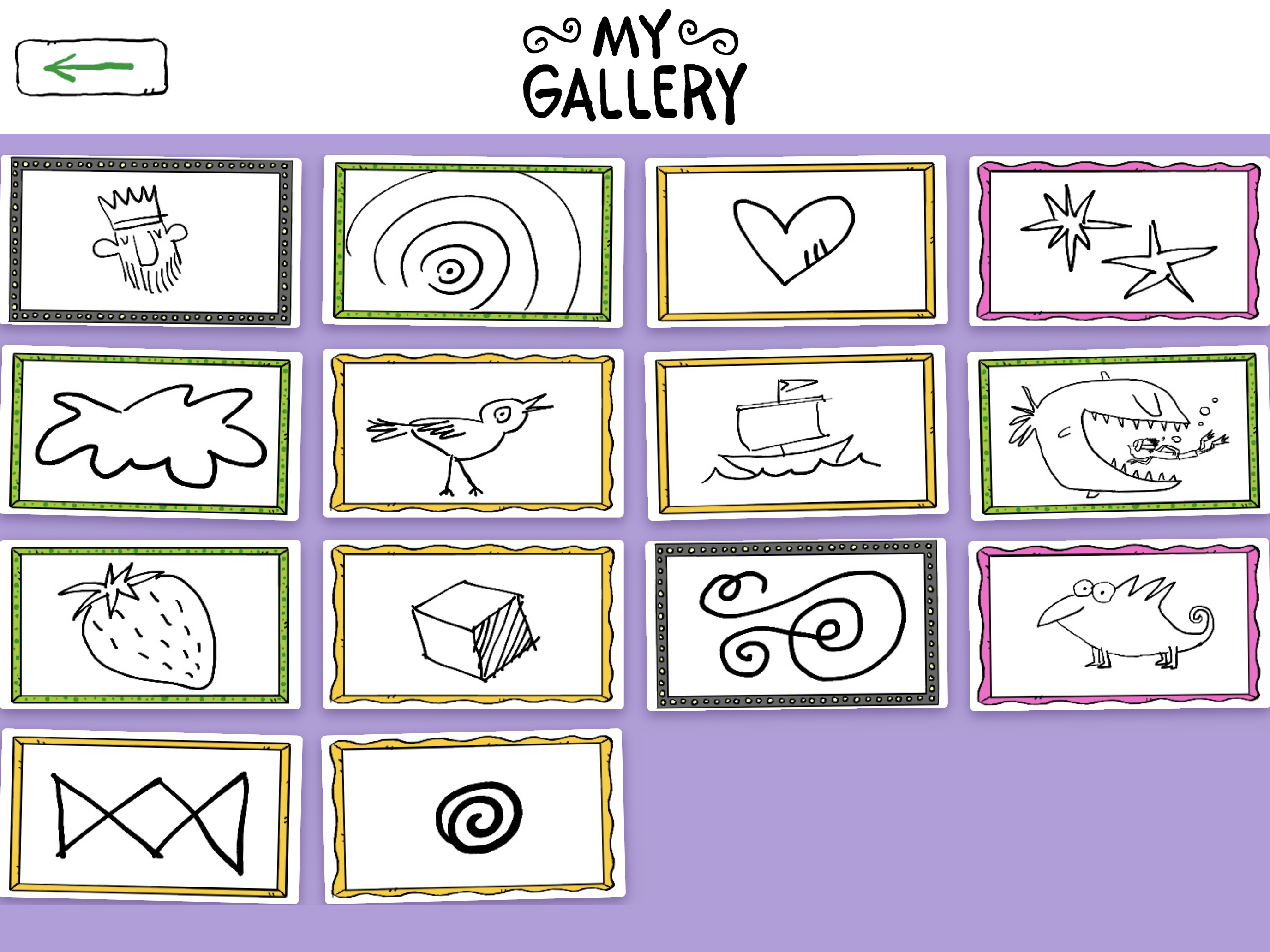
Keep it
It stays in your own gallery, on your own device.
A little help getting started.
Plenty of people need a little help to start drawing. Peter’s line is that help, and nothing more: Tracing Ace never scores, grades or corrects anything. No stars, no percentages, no red marks. Wobbly lines are welcome, and every finished drawing is celebrated the same way.
Prefer to take your time? In Calm Mode the guide stays put while you draw. When you’re finished it disappears, leaving only your artwork.
Use a finger, or an Apple Pencil on iPad. Undo is always one tap away.
Draw a dragon, a rocket ship, a sleepy cat, a human eye, a banana, a polar bear, a pencil-carrying robot, a snake, a flying pig, a watermelon slice, a strawberry, a cube, a horse, a squiggle, a crocodile or a creature nobody has named yet.
Shapes, faces, animals, fruit, creatures nobody has named yet, and more. When you’ve finished tracing Peter’s lines, add a few finishing touches of your own and make it yours.






Inspired by a childhood discovery
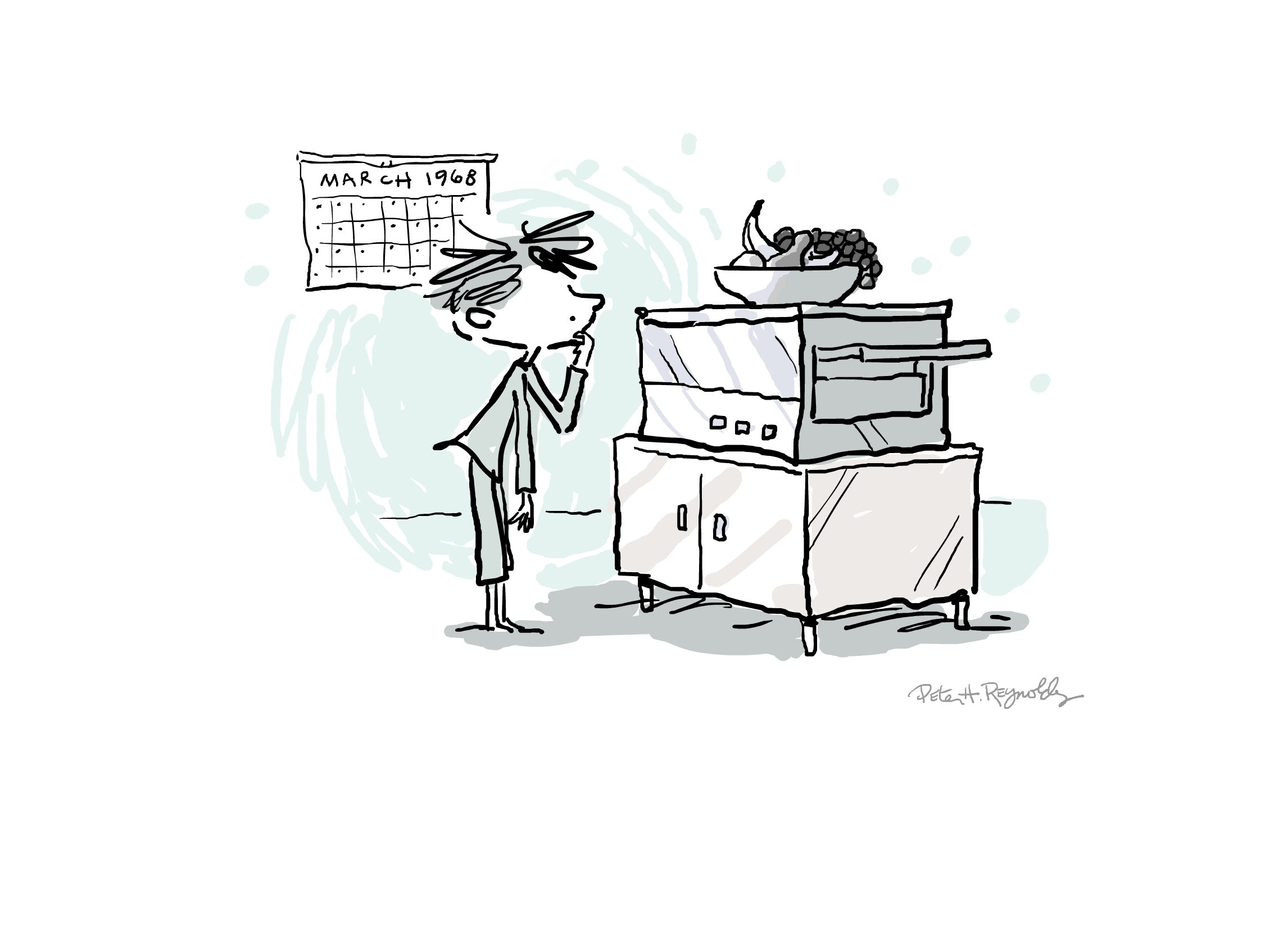
In 1968, Peter’s mother rescued an old photocopier. It could only make very faint copies, so he traced the light grey lines with a black pen, then took his drawing to the copier at the local five-and-dime. In the new copy the grey lines disappeared, leaving only his own artwork.
“I love to draw. And I believe that everyone can draw.”
Decades later, he and his nephew, Ben Reynolds, made Tracing Ace to bring that discovery to your screen: follow the lines, and see where your creativity takes you.
Made for the fridge door.
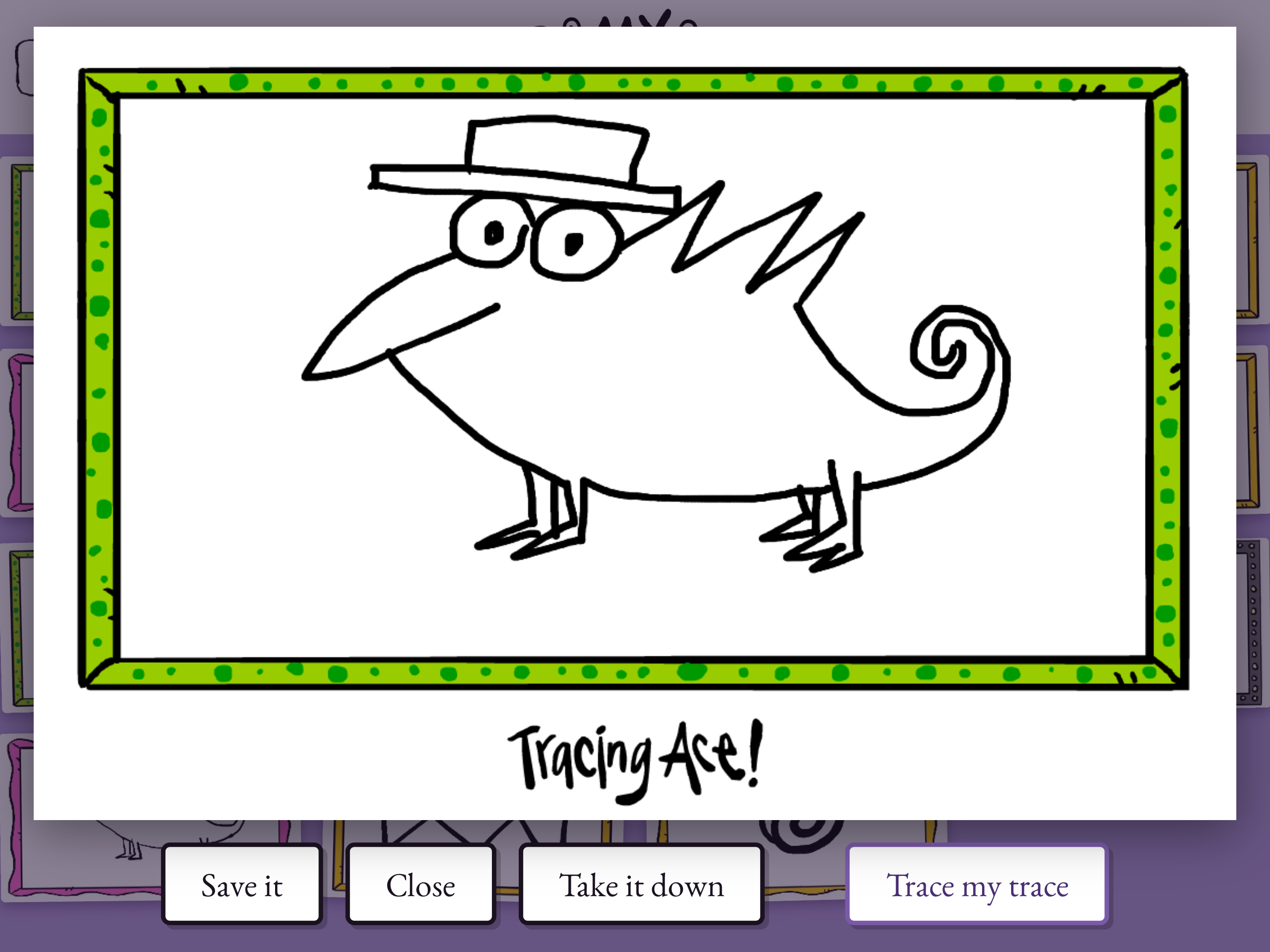
When a drawing is done, pick one of Peter’s hand-drawn frames for it. Every finished drawing is kept in your own gallery, ready to show off, and you can save any of them to your Photos to print or share.
For families
Fun at any age, parents included: a calm, low-pressure way to ease into making something. Screen time that ends with a drawing you can keep.
- No ads, and nothing pinging for attention.
- No accounts to set up and no logins to remember.
- Works offline: in the car, on a plane, anywhere.
- Purchases and links out sit behind a grown-ups-only gate.
For classrooms
A calm drawing break that needs no logins and no Wi-Fi.
- No student accounts, and nothing collected about anyone.
- Fine on a shared iPad; drawings stay on that device.
- Thinking of it for your school? Tell us what you’d need.
Trace. Draw.
Make it your own.
No accounts. No ads. Works offline.
Coming soon to the App Store
Support for Android, Chromebooks, and more is also on the way. More about Android and Chromebooks